


-
Year: 2015
-
Engine Configuration: V6
-
Engine Size: 3.6L DI DOHC V6 VVT
-
Fuel Type: Gasoline
-
Driveline: 4WD
-
Transmission: 6-Speed Automatic
-
Horsepower: 305 hp @ 6800 rpm
-
Torque: 269 lb-ft @ 4000 rpm
-
Color: Emerald Green Metallic/Jet Black Leather
-
Odometer: 68
-
Odometer Unit: Miles
-
Modifications:
LPO Rubber bed mat (RPO VBR)
GMC Accessories Rubber bed mat (6' bed)
Parts Cost: $122.00 | Install Cost: $0.00 | Rating: 5/5
Notes: I purchased online (ShopChevy.com) the GMC Accessories rubber bed mat and installed it on my Canyon 3/15/15.Added: March 19, 2015
LPO Tonneau cover, Soft cloth, folding (RPO 5YJ)
GMC Accessories Soft cloth tonneau cover (folding)
Parts Cost: $0.00 | Install Cost: $0.00 | Rating: 5/5
Notes: Had the dealer include in the lease the GMC Accessories Soft cloth tonneau cover (folding). This was ordered & installed by my selling dealership's service department on Friday, March 13, 2015.Added: March 19, 2015
-
Price: 40390.00
-
Vehicle Gallery:
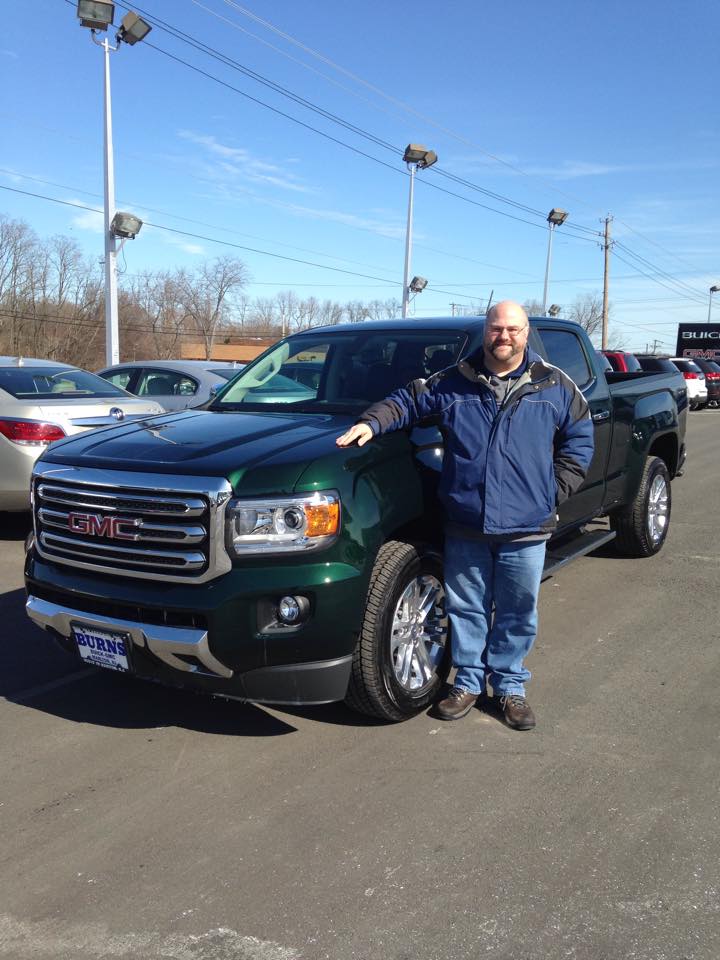
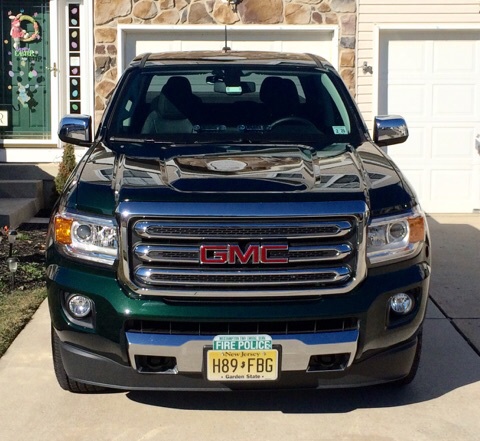
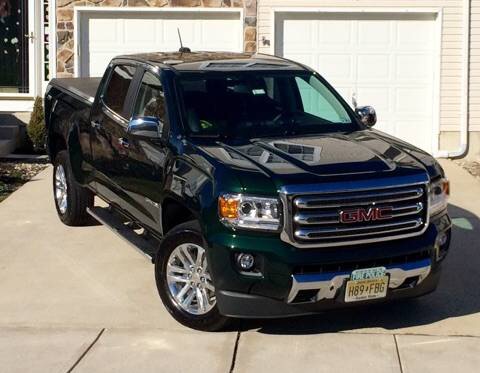
GMC Canyon 4WD SLT Crew Cab Long Box
By GMTruckGuy74
· 1,324 views
Recommended Comments
Join the conversation
You can post now and register later. If you have an account, sign in now to post with your account.
Note: Your post will require moderator approval before it will be visible.