


-
Year: 2009
-
Engine Configuration: V6
-
Engine Size: 3.6L
-
Fuel Type: Gasoline
-
Driveline: FWD
-
Transmission: 6-Speed Automatic (6T70)
-
Horsepower: 252 @ 6300 rpm (GM specs)
-
Torque: 251 @ 3200 rpm (GM specs)
-
Color: Red Jewel
-
Odometer: 70000
-
Odometer Unit: Miles
-
Modifications:
HPTuners
Engine/Trans Performance Tune
Parts Cost: $500.00 | Install Cost: $0.00 | Rating: 5/5
Notes: Price is for the HPTuners interface suite. I wrote the tune myself. My own testing showed about 15 whp and wtq improvement over the stock tune. Ran 14.7 @ 96 mph stock, now runs 14.36 @ 98. In short: better shifts, more power, 7000 rpm redline.Added: May 20, 2015
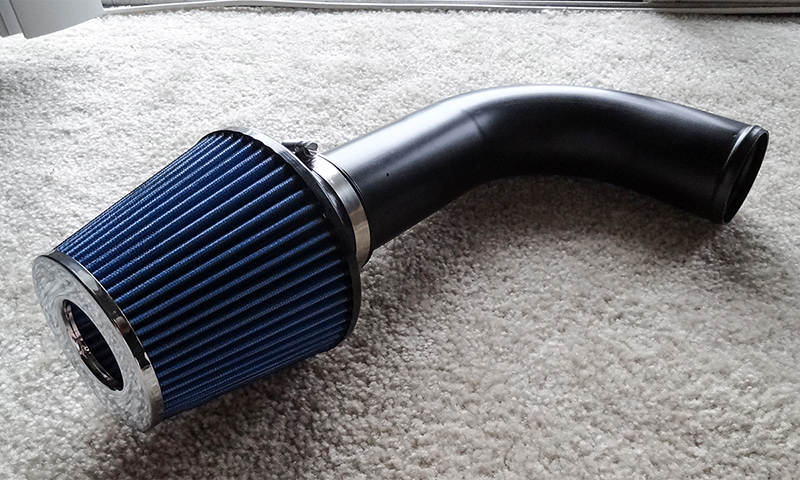
Performance Intake
Amsoil cone intake
Parts Cost: $120.00 | Install Cost: $0.00 | Rating: 4/5
Notes: No aftermarket intake options so I designed one myself with a mandrill bent aluminum pipe and a dry performance cone filter. Mainly for sound, but also top end power beyond 6000 rpm.Added: May 20, 2015
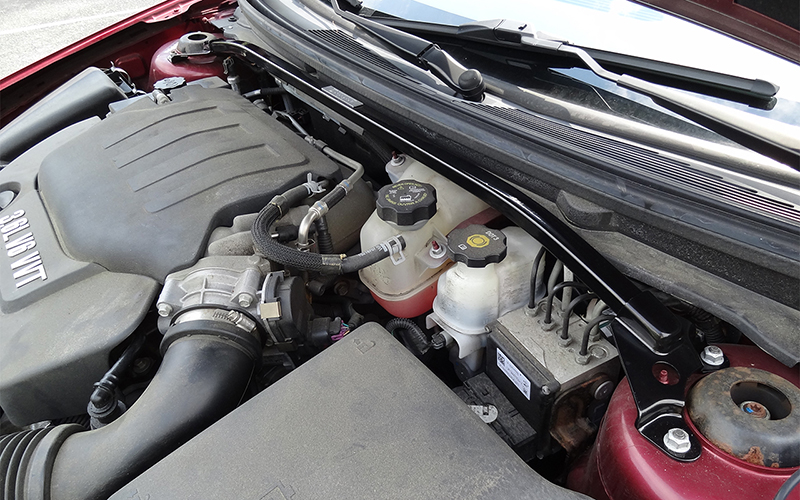
Strut Tower Brace
STB from the 06-07 Malibu SS
Parts Cost: $130.00 | Install Cost: $0.00 | Rating: 3/5
Notes: Not a huge difference in handling, but more of a cherry on top of the Epsilon chassis' nice ride/handling balance. Tightens body control, reduces bump steer.Added: May 20, 2015
-
Price: 0.00
-
Vehicle Gallery:
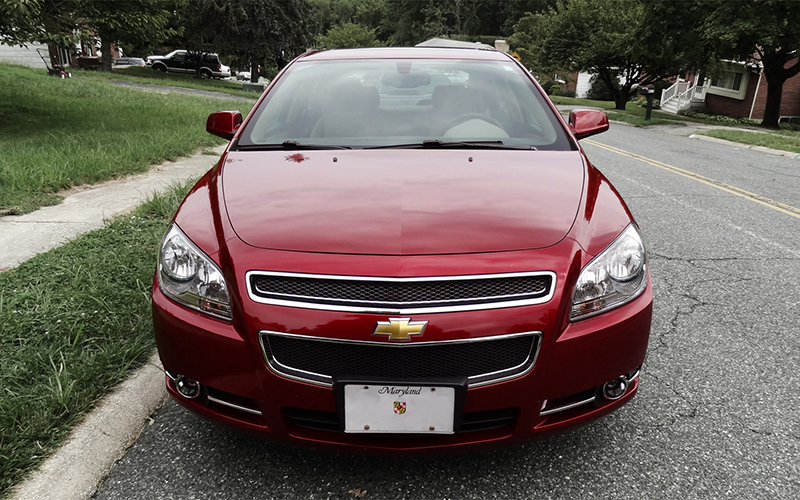
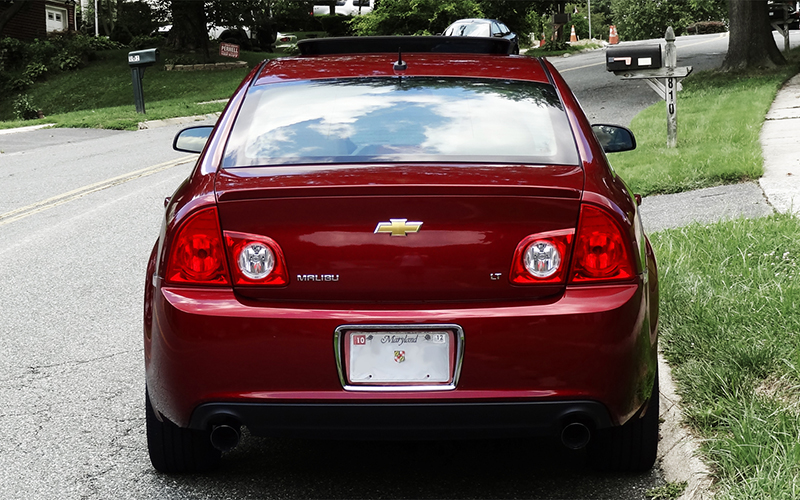
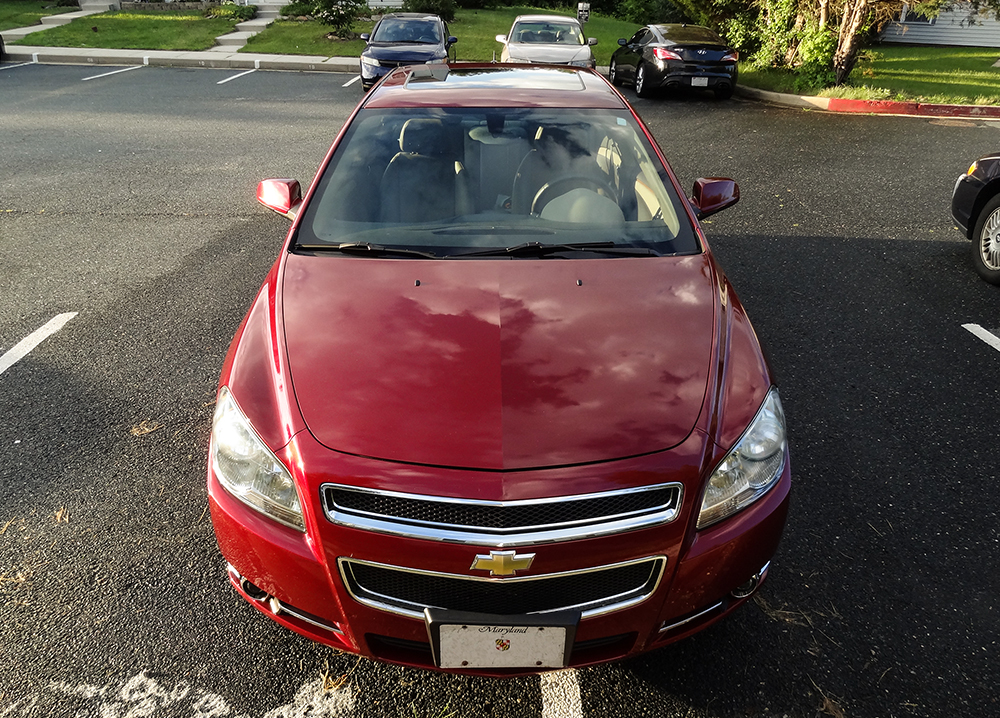
Chevrolet Malibu
By cp-the-nerd
· 1,114 views
Recommended Comments
Join the conversation
You can post now and register later. If you have an account, sign in now to post with your account.
Note: Your post will require moderator approval before it will be visible.