

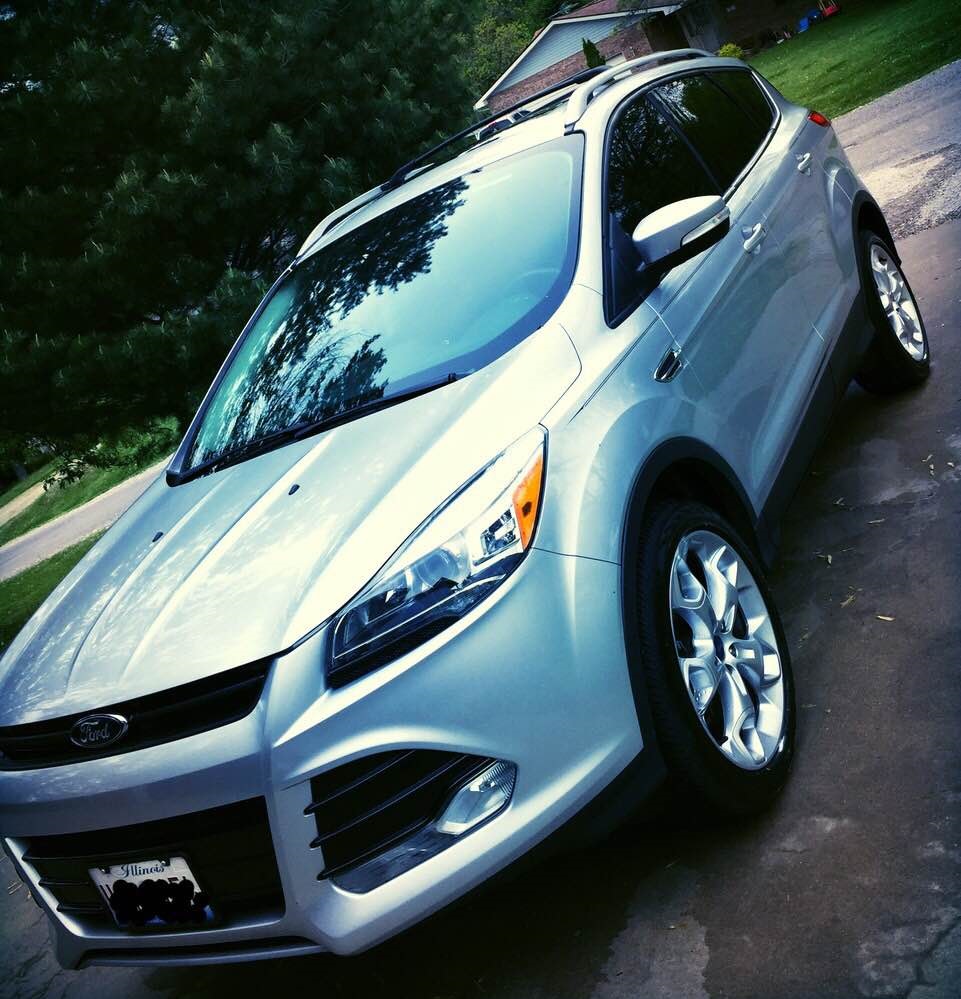

-
Year: 2013
-
Engine Configuration: I4-Turbo
-
Engine Size: 2.0T
-
Fuel Type: Gasoline
-
Driveline: AWD
-
Transmission: 6spd Conventional torque converter
-
Horsepower: 240hp @ 5500rpm
-
Torque: 270ft/lbs @ 3000rpm
-
Color: Ingot Slver
-
Odometer: 41000
-
Odometer Unit: Miles
-
Modifications:
Window Tint/LED Puddle Lights
Window Tint/LED Puddle Lights
Parts Cost: $260.00 | Install Cost: $0.00 | Rating: 4/5
Notes: 20% tint all around. My guy told me he was using about a 39% overlay on the rear factory tint to get down to 20%. Instal and everything was $250. I think every car should have their windows tinted. I think it cleans up the look and a little easier onAdded: May 21, 2015
-
Price: 21400.00
-
Vehicle Gallery:
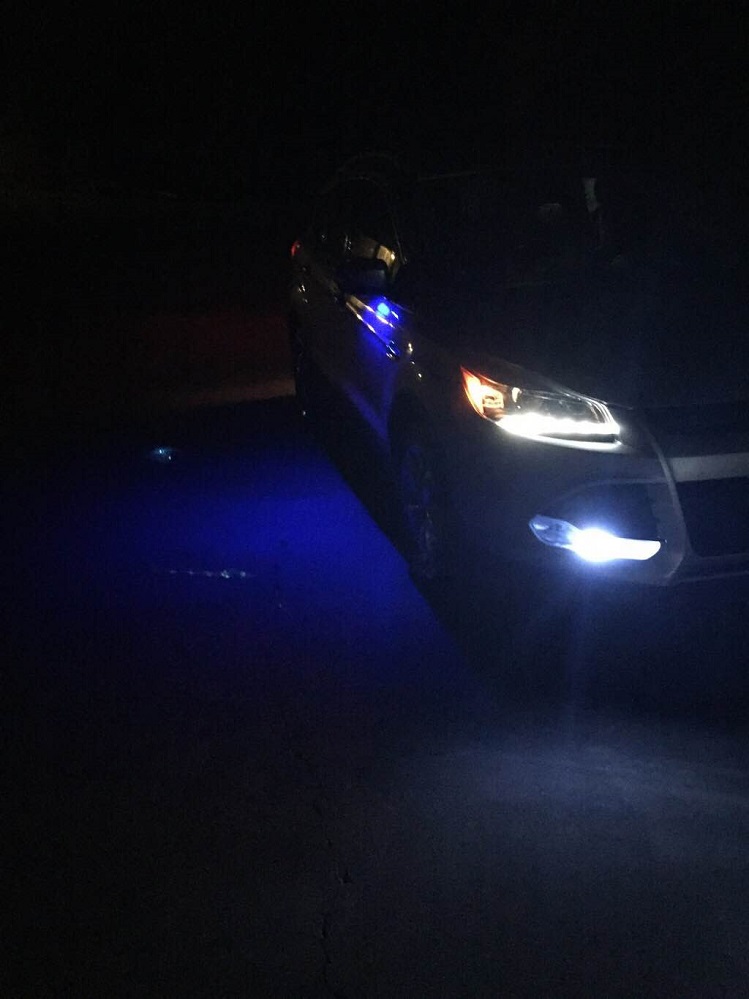
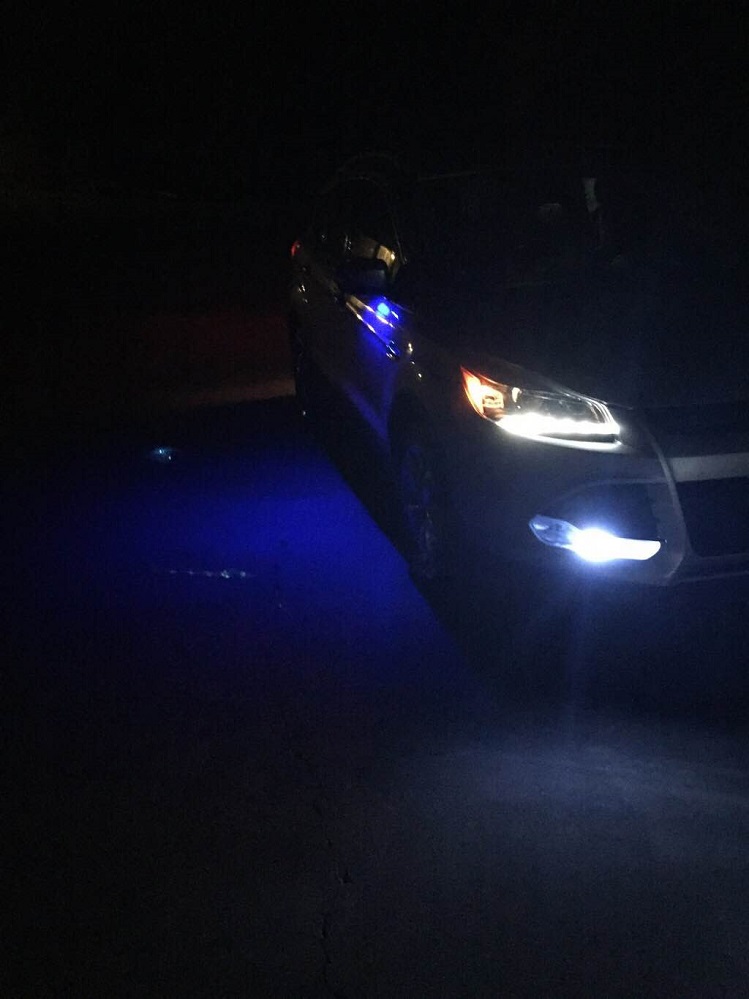
I bought her in Nvember with 34,000 miles on her. She is a Titanium with all the goodies except navigation. It still had the premium Sony sound system. Has the Pano sunroof, cool but unessesary if you ask me. It isn't fast by any means but the 2.0t keeps me entertained for the time being.
I don't plan to stick much money into it as it isn't much of a toy but cars are one of my passions so there are always things to do. So far I've tinted the windows 20% all the way around, got rid of the hideous amber colored parking lights with white LEDs, also replaced the OEM fog light bulbs with white bulbs to match the HIDs. I recently changed the puddle lights(lights under the mirrors that light up when you lock/unlock the doors) to a blue LED just for the heck of it to see how that looked.
I don't plan to stick much money into it as it isn't much of a toy but cars are one of my passions so there are always things to do. So far I've tinted the windows 20% all the way around, got rid of the hideous amber colored parking lights with white LEDs, also replaced the OEM fog light bulbs with white bulbs to match the HIDs. I recently changed the puddle lights(lights under the mirrors that light up when you lock/unlock the doors) to a blue LED just for the heck of it to see how that looked.
Recommended Comments
Join the conversation
You can post now and register later. If you have an account, sign in now to post with your account.
Note: Your post will require moderator approval before it will be visible.