


Drew Dowdell
-
Joined
-
Last visited
Everything posted by Drew Dowdell
-
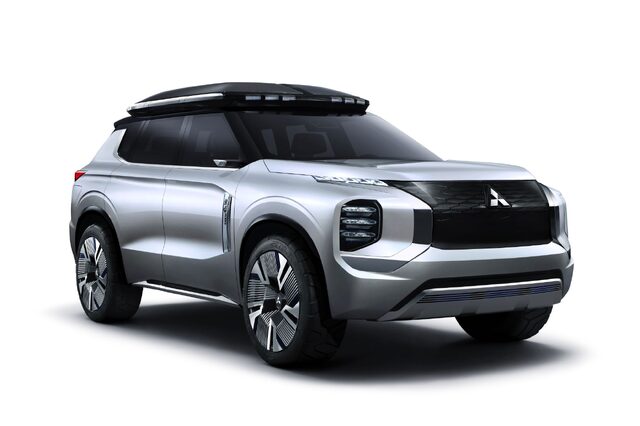
From the album: Mitsubishi Engelberg Tourer Concept
-
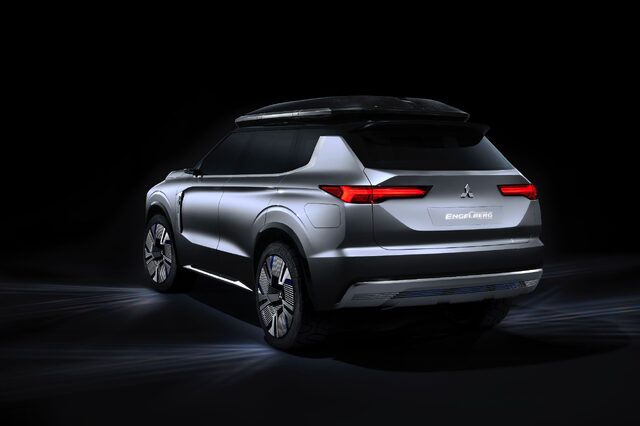
From the album: Mitsubishi Engelberg Tourer Concept
-
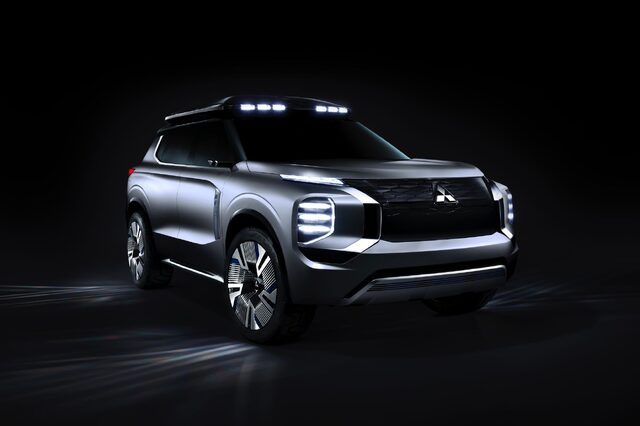
From the album: Mitsubishi Engelberg Tourer Concept
-
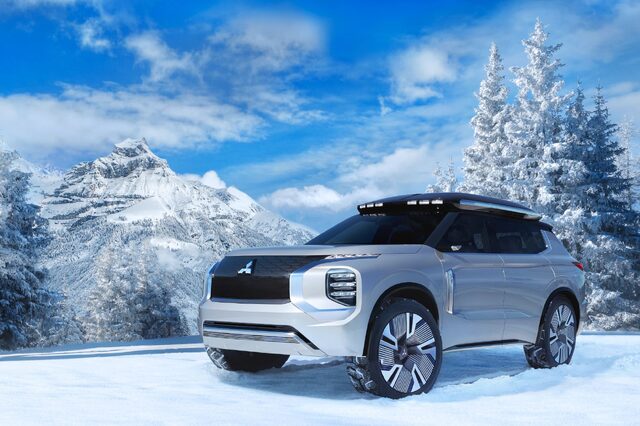
From the album: Mitsubishi Engelberg Tourer Concept
-
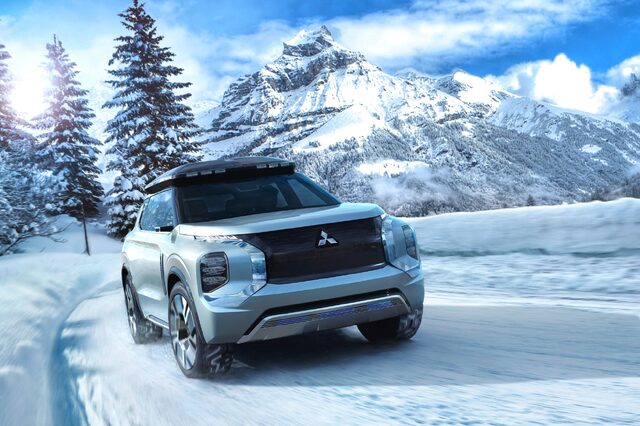
From the album: Mitsubishi Engelberg Tourer Concept
-
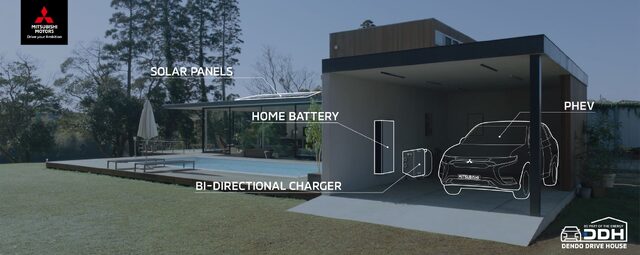
From the album: Mitsubishi Engelberg Tourer Concept
-
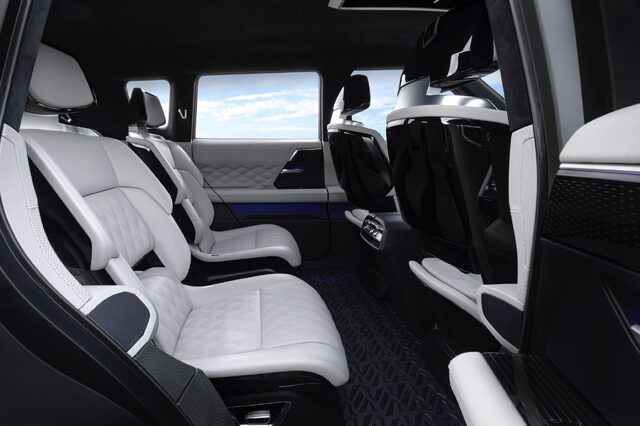
From the album: Mitsubishi Engelberg Tourer Concept
-
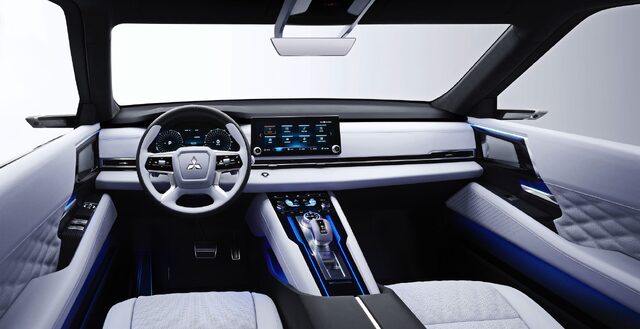
From the album: Mitsubishi Engelberg Tourer Concept
-
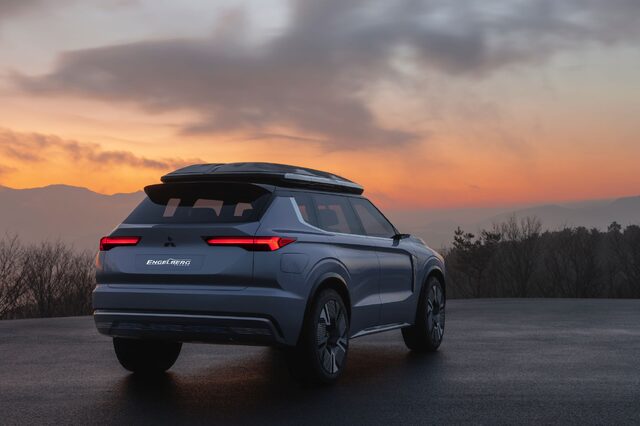
From the album: Mitsubishi Engelberg Tourer Concept
-
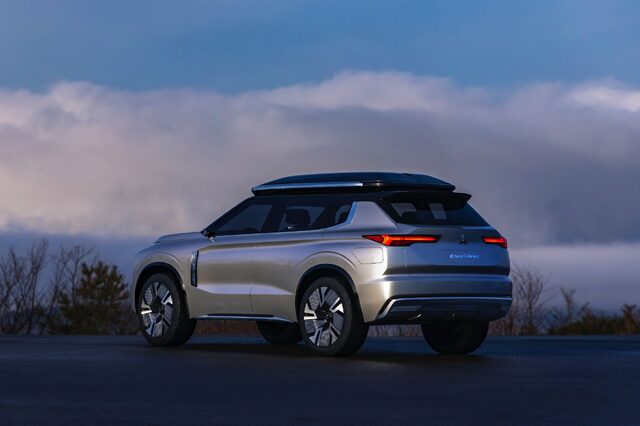
From the album: Mitsubishi Engelberg Tourer Concept
-
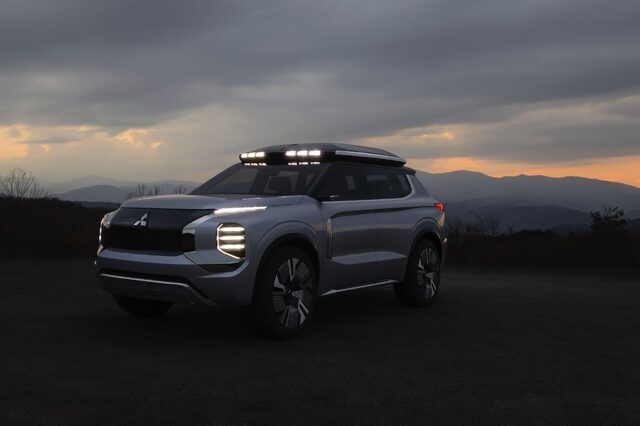
From the album: Mitsubishi Engelberg Tourer Concept
-
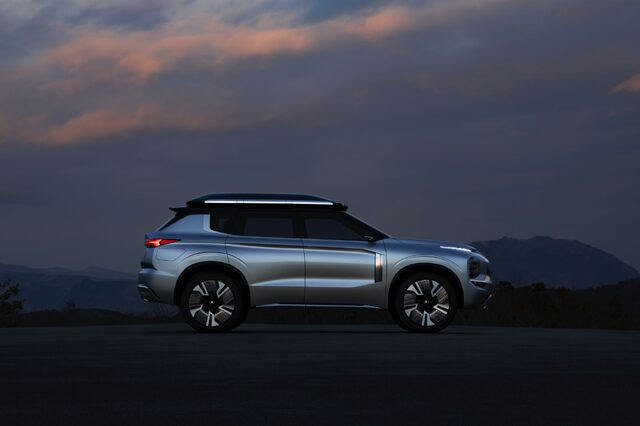
From the album: Mitsubishi Engelberg Tourer Concept
-
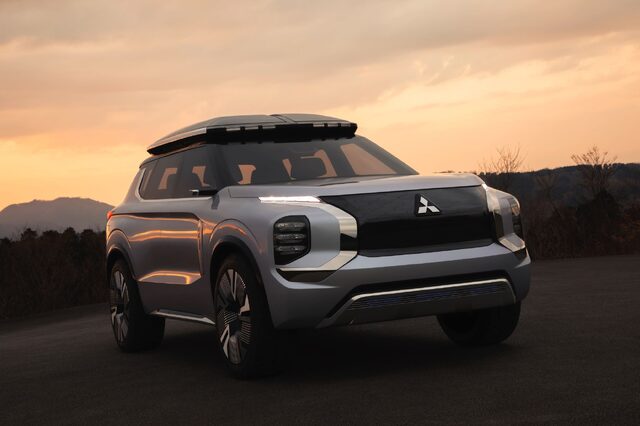
From the album: Mitsubishi Engelberg Tourer Concept
-
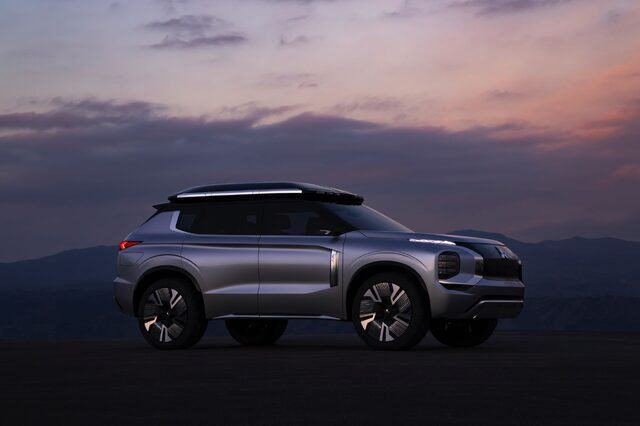
From the album: Mitsubishi Engelberg Tourer Concept
-
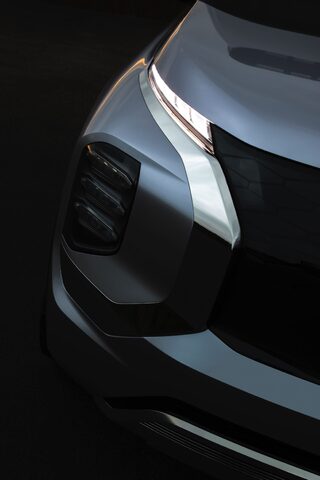
From the album: Mitsubishi Engelberg Tourer Concept
-
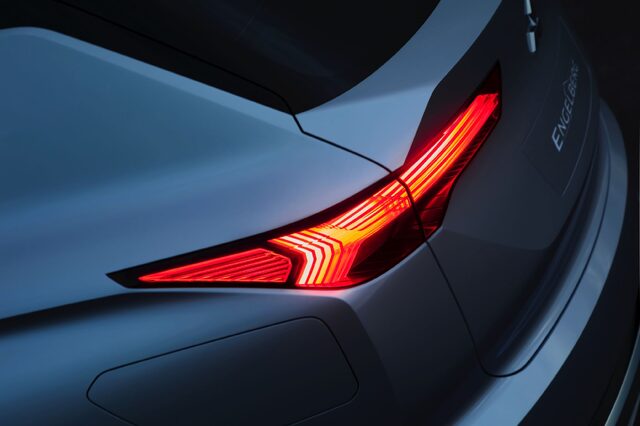
From the album: Mitsubishi Engelberg Tourer Concept
-
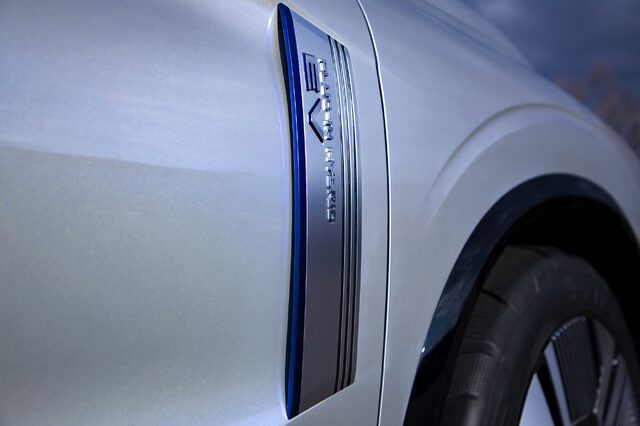
From the album: Mitsubishi Engelberg Tourer Concept
-
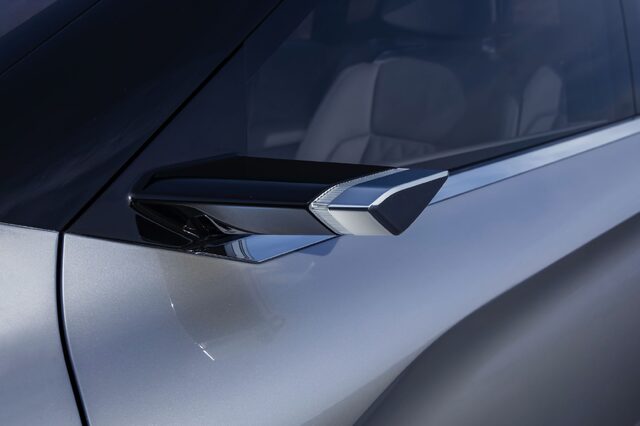
From the album: Mitsubishi Engelberg Tourer Concept
-
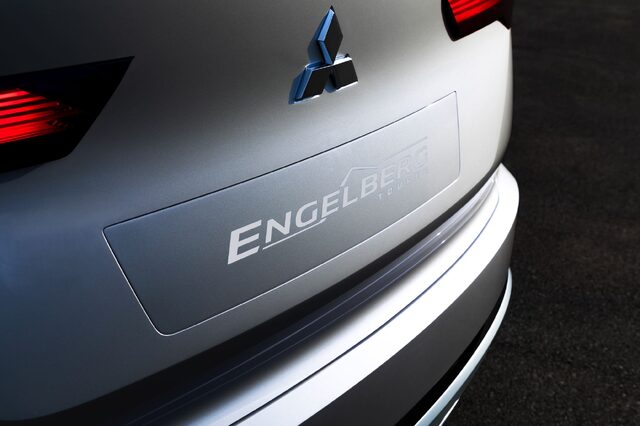
From the album: Mitsubishi Engelberg Tourer Concept
-
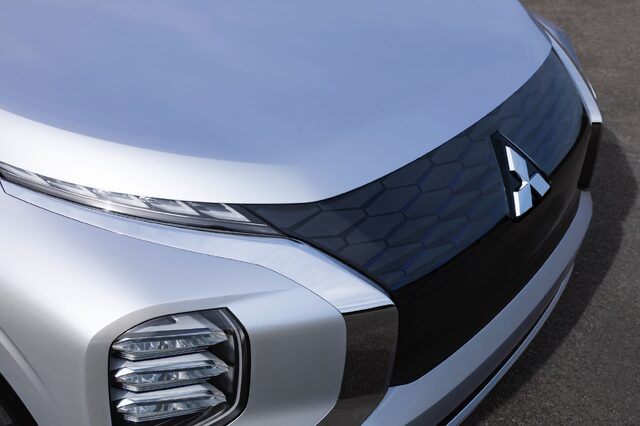
From the album: Mitsubishi Engelberg Tourer Concept
-
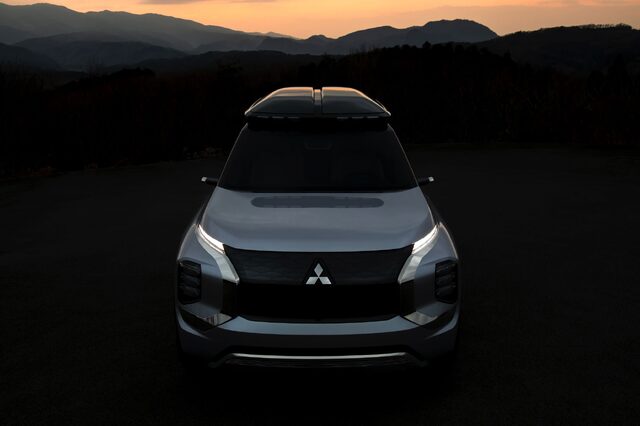
From the album: Mitsubishi Engelberg Tourer Concept
-
No... I fixed it for you. All you need to do is paste the link and wait a few seconds for it to automagically embed. Then hit enter and keep typing if you have more to add.
-
Body cladding gone wild.
-
What you're looking at here is a preview of the next generation Subaru Crosstrek. Unveiled at the Geneva International Auto Show today, the Subaru Viziv Adrenaline concept is a more distinct take on what the Crosstrek could look like. Subaru has increased the amount of body cladding, made the lines sharper, added LED accent lighting, and 6-dot fog lights front and rear. The wheels have white highlights on the rim. The company says the concept shows Subaru's new "BOLDER" design theme. The Crosstrek was recently refreshed for the 2018 model year and a Plug-in Hybrid Crosstrek was introduced at the 2018 LA Auto Show, so it may be a few years before we see the styling updated to this new look. View full article
-
 What you're looking at here is a preview of the next generation Subaru Crosstrek. Unveiled at the Geneva International Auto Show today, the Subaru Viziv Adrenaline concept is a more distinct take on what the Crosstrek could look like. Subaru has increased the amount of body cladding, made the lines sharper, added LED accent lighting, and 6-dot fog lights front and rear. The wheels have white highlights on the rim. The company says the concept shows Subaru's new "BOLDER" design theme. The Crosstrek was recently refreshed for the 2018 model year and a Plug-in Hybrid Crosstrek was introduced at the 2018 LA Auto Show, so it may be a few years before we see the styling updated to this new look.


