


Hyundai is looking towards more turbocharging for their engines. Speaking at Hyundai’s product preview and engineering tech session, powertrain boss John Juriga said a turbocharged version of the company’s 3.8-liter V6 (offered in both the Genesis coupe and sedan) is a possibility for the future.
“The 3.8 is a contender for turbocharging for some high-output applications.”
Juriga went on to say that such an engine already exists and is undergoing testing. However, speaking with AutoGuide, Jurega said that the Hyundai engineering team is constantly exploring new engine options and that the existence of a prototype is no guarantee that such an engine will make it into production.
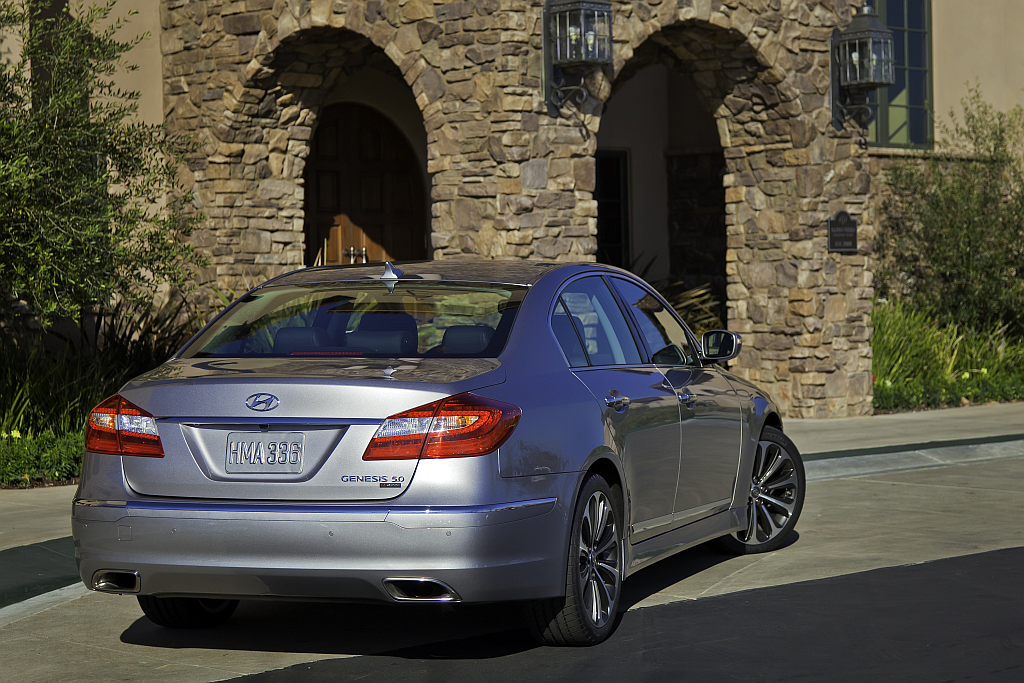
Expanding on Juriga’s comments, HMA CEO John Krafcik said the automaker is currently at a crossroad with future engine plans for its high-performance and premium models. Krafcik referenced the two Genesis coupe concepts; one with a 5.0L V8 and one with a supercharged 3.8L V6. The two vehicles were built to generate feedback to see what people preferred.
Source: AutoGuide
Recommended Comments
Join the conversation
You can post now and register later. If you have an account, sign in now to post with your account.
Note: Your post will require moderator approval before it will be visible.