


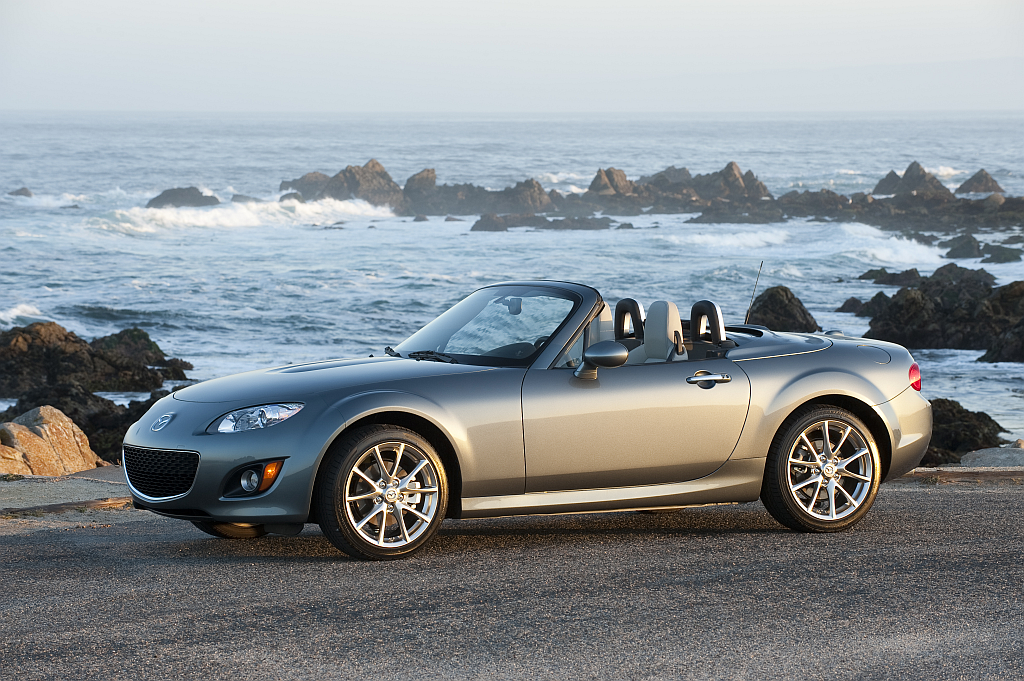
Mazda‘s global chief, Takashi Yamanouchi made some interesting comments during a press conference at the Tokyo Motor Show. Yamanouchi said a rotary powered MX-5 is a possibility down the road.
“[We] can’t rule out the possibility [of a rotary-powered MX-5].”
Even more interesting was Yamanouchi’s comments on merging the MX-5 and RX-8.
“That kind of product is iconic for our brand. So the current MX-5 or RX-8 we have decided in the future to maintain that type of [sports car] product.
“I can’t say, however, that they will be separate … they may be merged into one.
This leaves many questions. If Mazda was to merge the two cars into one, what would it look like and when would it appear. The next MX-5 due out in 2013, will have a conventional gas engine with some Skyactiv bits. This means if Mazda is planning something to merge the two, it happen later on.
As for the RX-8, there’s currently no definite plans for a replacement, though from Yamanounchi’s comments, development on the rotary engine will continue. The question is though, will the rotary remain as a internal combustion unit or be used as a range extending hydrogen fueled generator.
Source: CarAdvice.com.au
Recommended Comments
Join the conversation
You can post now and register later. If you have an account, sign in now to post with your account.
Note: Your post will require moderator approval before it will be visible.